
I get a lot of “AI website builder” pitches that all promise basically the same thing: describe your business, get a finished site. uKit AI caught my attention because it’s solving a slightly different problem. It’s not asking you to start from nothing. It’s asking for a link to a site you already have, and promising to upgrade it.
That’s a more specific and, honestly, more useful claim than “build a website in a minute.” A lot of small businesses don’t need a brand new site. They need their current one to stop looking like it was built a decade ago. So the real question isn’t “can AI build a website” – everyone’s already answered that one. It’s “can AI actually fix an old one without you starting over.” That’s what I tested.
My short answer: it does a genuinely good job on the mechanical parts of a redesign, and it doesn’t pretend to do the parts that require actually knowing the business. That’s a fair trade, but it’s worth understanding clearly before you use it.
What Is uKit AI?
uKit AI is an AI-powered tool, built by the team behind the uKit website builder, that analyzes an existing website and generates an upgraded version of it – typically within about ten minutes. You give it a URL, it scans the site’s content and structure, and it produces a new version with a modern, mobile-responsive layout, HTTPS, and cleaner underlying code. You review the result inside uKit website builder before publishing it to a custom domain.
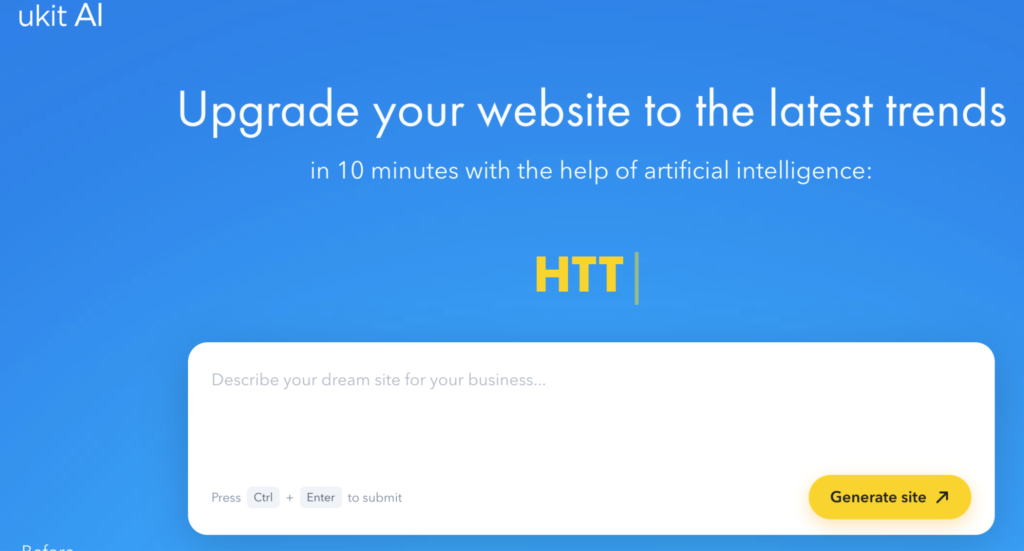
In plain terms: it’s a redesign tool, not a from-scratch generator. That distinction matters more than it sounds like it should, because most AI website tools are built around the opposite use case.
First Impression: It Does Exactly What It Says, No More
I tested it on an outdated small business site – old template, no real mobile layout, the kind of design nobody’s touched in years. The process was as simple as the pitch suggests: paste the URL, wait, review the result.
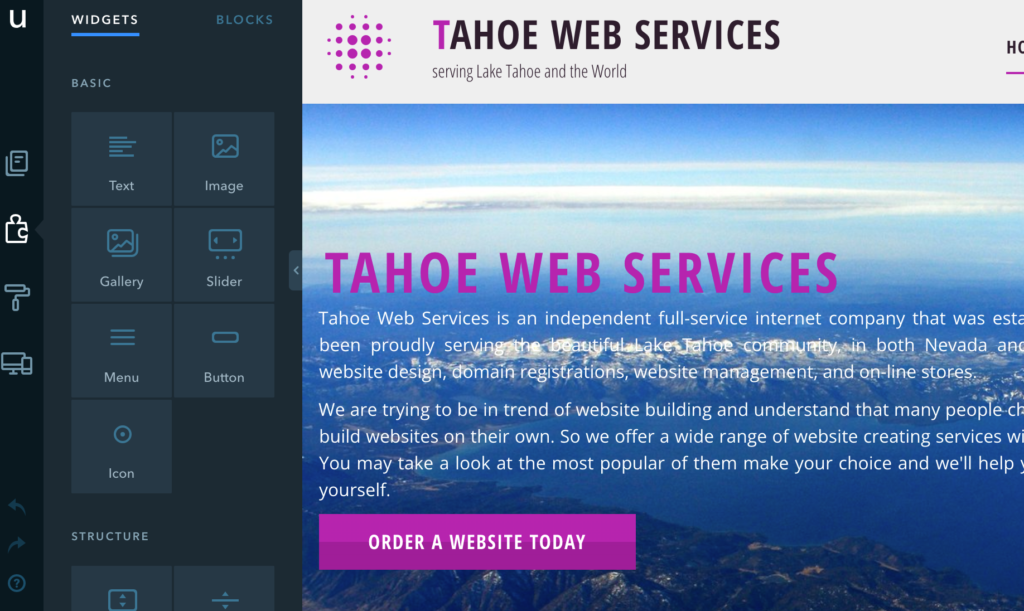
What came back was a noticeably more modern version of the same site. Responsive layout, working mobile navigation, HTTPS, cleaner structure. It didn’t feel like a gimmick demo. It felt like the kind of unglamorous technical cleanup a developer would normally bill a few hours for.
What it didn’t do is rewrite the business. The content carried over from the original site, just presented better. That’s a deliberate scope decision, and once I understood that, my expectations matched the result a lot better.
What uKit AI Does Well
I’d test it specifically for:
modernizing an outdated layout;
fixing mobile responsiveness on a site that doesn’t have it;
adding HTTPS and cleaner technical markup;
getting a fast, reviewable draft before committing to a full redesign;
giving a non-technical business owner a way to see what an upgrade could look like without hiring anyone first.
For all of these, it’s genuinely fast and the output is usable, not a rough draft that needs heavy rebuilding.
Where It Gets Limited
Now the part worth being honest about.
The content is not fact-checked or rewritten with any real understanding of the business. It’s the same information, restyled. If your original site had thin, outdated, or generic content, the new version is a better-looking version of the same problem. I’d treat the result as a presentation upgrade, not a content upgrade.
The redesign keeps you inside uKit’s own platform and CMS. That’s not unusual for this category of tool, but it’s a real tradeoff – you’re getting speed and simplicity in exchange for working within a defined ecosystem rather than getting a fully portable, export-anywhere result. If platform independence matters to you, factor that in before you commit.
And brand differentiation isn’t part of what this tool solves. A modernized layout can still describe a business in terms generic enough to apply to several competitors. That’s not a flaw exactly – it’s just outside the tool’s actual job, which is presentation and technical hygiene, not positioning strategy.
uKit AI vs a Manual Redesign
A manual redesign – hiring a designer or developer – gives you more control, more customization, and a result built specifically around your brand. It also costs more and takes weeks instead of minutes.
uKit AI sits in a different spot on that tradeoff curve. It won’t give you a fully custom brand experience, but it will get you from “embarrassingly outdated” to “reasonably current” fast enough that the decision to act on it becomes much easier. For a lot of small businesses, that’s the actual blocker – not indecision about design taste, but the time and cost of getting started at all.
uKit AI vs Other AI Website Builders
Most AI website builders I’ve tested are built around generating something from a description – you’re starting from a blank page with AI filling it in. uKit AI’s “point it at an existing site” approach is a smaller, more specific category, and I think that’s actually a strength rather than a limitation. It’s solving one job well instead of trying to be a general-purpose builder, an editor, and a CRM all at once.
If you need a brand new site from nothing, this isn’t the tool – it’s not built for that use case. If you have an old site that just needs to stop looking old, it’s a more direct fit than a generic generator that doesn’t know your existing content exists.
What I Like
I like that it has a clear, narrow job and does it well instead of trying to be everything. I like that the turnaround is honestly close to what it promises – ten minutes, not “ten minutes” with an asterisk. And I like that it doesn’t pretend to solve content strategy or brand positioning, which keeps expectations realistic instead of oversold.
What I Don’t Like
I don’t love that the result keeps you inside uKit’s platform rather than giving you something portable. I also think the lack of content rewriting, while honestly the right design choice, means people expecting a full content refresh alongside the visual one will be disappointed if they don’t read the pitch carefully first.
Who Should Try uKit AI?
I’d recommend testing it if you are:
a small business owner with an outdated site and no immediate redesign budget;
a webmaster doing a quick triage on whether a client’s site needs a light refresh or a full rebuild;
someone who wants a fast, concrete reference point before briefing a designer;
a freelancer or agency looking for a faster starting draft than a blank page.
I’d be more cautious if you are:
looking for a fully custom brand identity from the result;
planning to move the site off the uKit platform later;
expecting the AI to improve or fact-check your existing content, not just its presentation.
My Practical Testing Checklist
Before treating the result as ready to publish, I’d ask:
Is the content still accurate, or did it carry over outdated details along with the design?
Does the new structure still need reordering based on how customers actually decide to act?
Am I comfortable staying within uKit’s platform for this site long-term?
Would a designer add enough value here to justify a further pass, or is this good enough to launch?
Final Verdict
uKit AI does a genuinely useful, narrow job: turning an outdated website into a modern-looking one fast, without pretending to solve the parts of a redesign that require actually knowing the business. It’s not a replacement for strategic thinking about content or positioning, and it keeps you inside its own platform rather than handing you something fully portable.
My verdict: if your problem is specifically “our site looks old,” uKit AI solves that problem quickly and honestly. If your problem is “our site doesn’t say the right things,” you’ll still need to do that work yourself – the tool was never claiming otherwise.
More Reviews and Guides on AIReviewLab
If you’re trying to figure out which AI tools are actually worth your time before testing them yourself, 7 Types of AI Tools I Think Are Worth Testing First is a good starting point. For a tool with a much rougher set of tradeoffs than uKit AI, see my DeepSeek Review, where the privacy questions matter a lot more than the price. If image generation is more your category, I broke down where the hype holds up in my Midjourney Review. And if you’re evaluating AI for content rather than design, How to Choose an AI Writing Tool Without Falling for the Landing Page covers the same kind of “read past the pitch” approach I used here.